Recipe - Debug an Integration
Purpose
One of the notification integration transports isn't behaving as expected and you want more detailed information.
Implementation - Logging
Add a module level logging configuration for the specific integration.
Example Configuration - Logging
In this case the alexa_devices transport will start logging at default level by making this change in HomeAssistant's configuration.yaml ( or in an include file if setup that way)
Implementation - Archiving
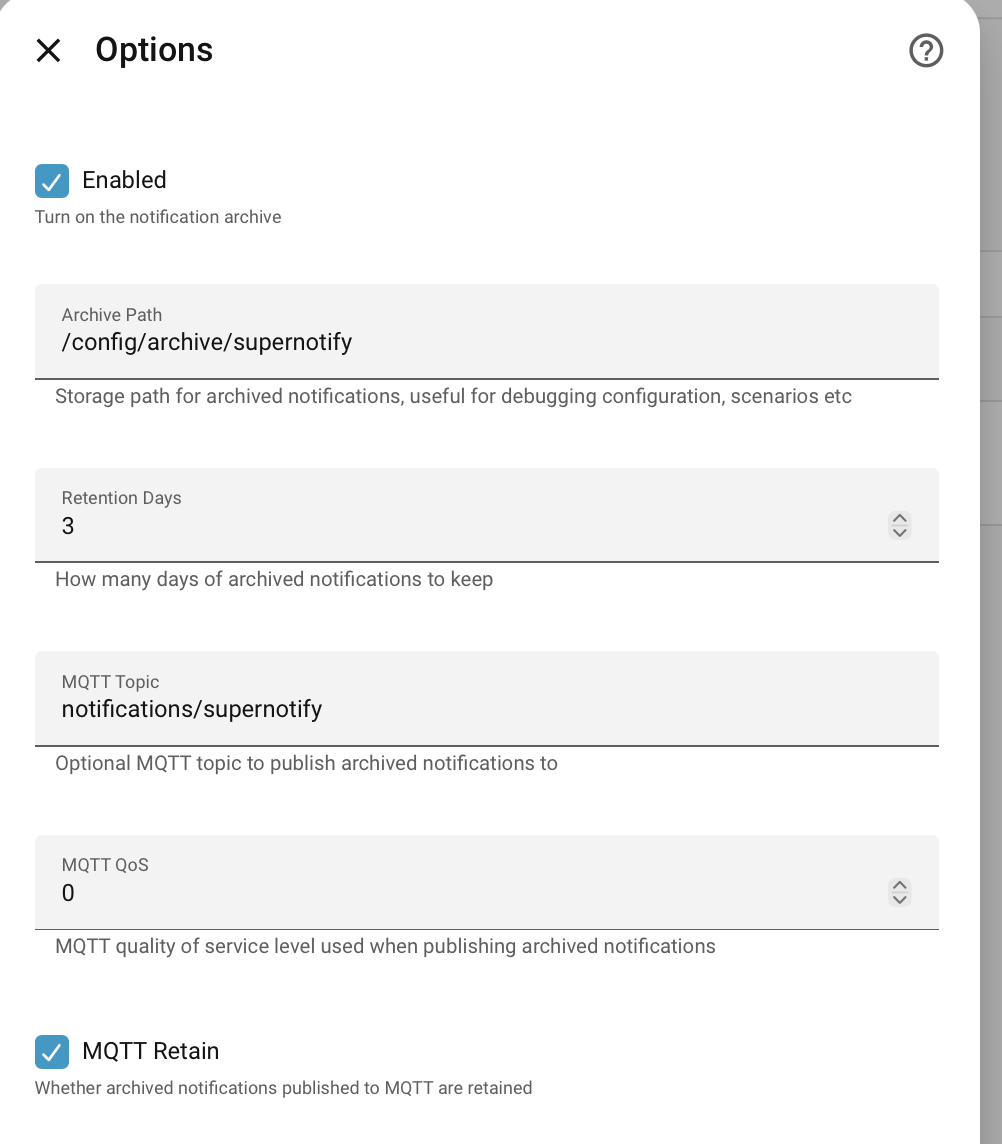
Send the notification with debug: true in its data, so a debug_trace is recorded and kept in the archived copy, whatever outcomes diagnostics selects in the archive configuration, and ensure that archiving to one or more of file / event / MQTT is enabled in the UI configuration. To keep the trace for every notification of some outcome, without changing the calls, select that outcome in diagnostics instead.
The trace shows how the notification was put together: the deliveries chosen at each stage (delivery_selection) and how the targets of each delivery were resolved, stage by stage (resolved).
Which source switched each delivery on or off doesn't need the trace: every archived notification has it as delivery_provenance, e.g. {"chime": {"enabled_by": ["default"], "disabled_by": ["scenario:night"]}}.
Example Configuration - Archiving
Implementation - Debug Service Calls
Switch on debug for the delivery, or at transport level for all deliveries.
In debug mode, service calls are made in blocking mode, and a ServiceResponse is captured if the service provides it ( though that is fairly rare for notification platforms). If the service is failing, raising exceptions etc, this will be visible in the supernotify logs and in the archived notifications.
By comparison, in normal mode, service calls are sent asynchronously "fire'n'forget" over an event bus, so any failures would happen in Home Assistant's event handling workers and wouldn't be visible to Supernotify.
Example Configuration - Debug Service Calls
In this case all deliveries using the alexa_devices transport will call the Home Assistant service for Alexa in debug mode.
Example Configuration - Aliases
Most of the config in Supernotify can have an alias defined, which can be about anything you like. It is a handy place to put a reminder of why something is configured oddly, or a nice explanation to show in the UI.
When browsing the exposed entities in Developer Tools, the alias value will show up as a subtitle for each entity, and may save you puzzling over what you actually meant by that obscure ID months ago.