Recipe - Fix Apple Notifications from Frigate Blueprint
Purpose
The Frigate Blueprint is used to create mobile push notifications, with the image embedded and links to the Frigate UI.
The blueprint creates a clip.mp4 link for iOS devices, however the Frigate API Docs recommended not doing this for iOS compatibility reasons, and using the m3u8 action link instead, although some people find the m3u8 videos have the same issue.
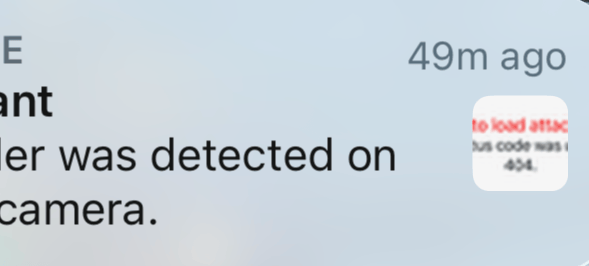
This results in broken images for notifications, on iPhones, Macs or other Apple push notification targets.
Implementation
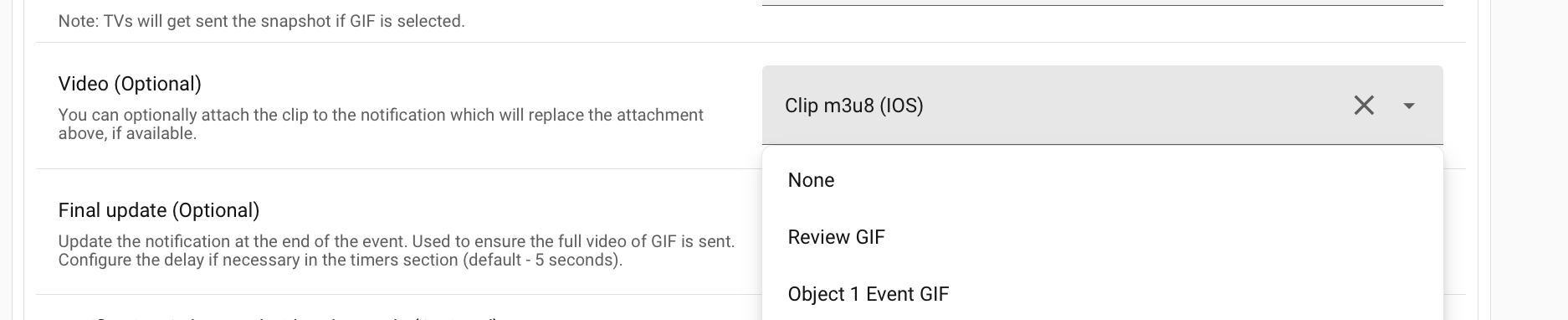
Simplest way to fix this is to update the blueprint and change the video attachment options, to 'None' if needed.
If you have many automations, then its possible to use a scenario or delivery control to remove the data section keys with the video, and while doing that, you could also remove the Android specific keys that you won't need if only iOS devices to notify.
This uses the data_keys_select configuration to delete data mapping keys:
Example Configuration
...
delivery:
    ...
    mobile_push:
      alias: Push notifications to iPhones, iPads and Macs
      transport: mobile_push
      options:
        data_keys_select:
          exclude:
            data:
              attachment:
              video:
              clickAction: # iOS uses 'url'
Variations and Alternatives
- Use a scenario that only applies to Frigate messages, based on pattern matching the message or title, or some other cunning way
- Create separate deliveries for Android and Apple devices