Getting Started
HACS
Make sure you have HACS installed
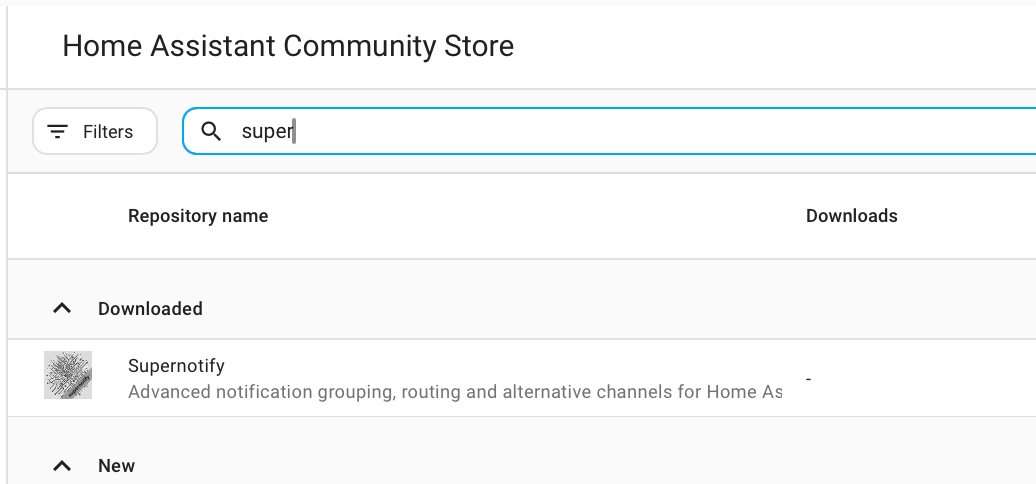
If not, check the HACS Instructions. Supernotify is one of the default repositories in HACS so no custom repo configuration required
Download
From the HACS page on Home Assistant, select Supernotify in the list of available integrations
Configure
Add Supernotify to the Home Assistant YAML configuration (YAML Configuration).
The Configuration pages have instructions and examples, including a minimal one that is only two lines of YAML and is good enough to get mobile push notifications working, plus use an existing SMTP integration if you have it or any notify entities.
Send
Send a test notification from Developer Tools Action Tab or start sending notifications from automations.
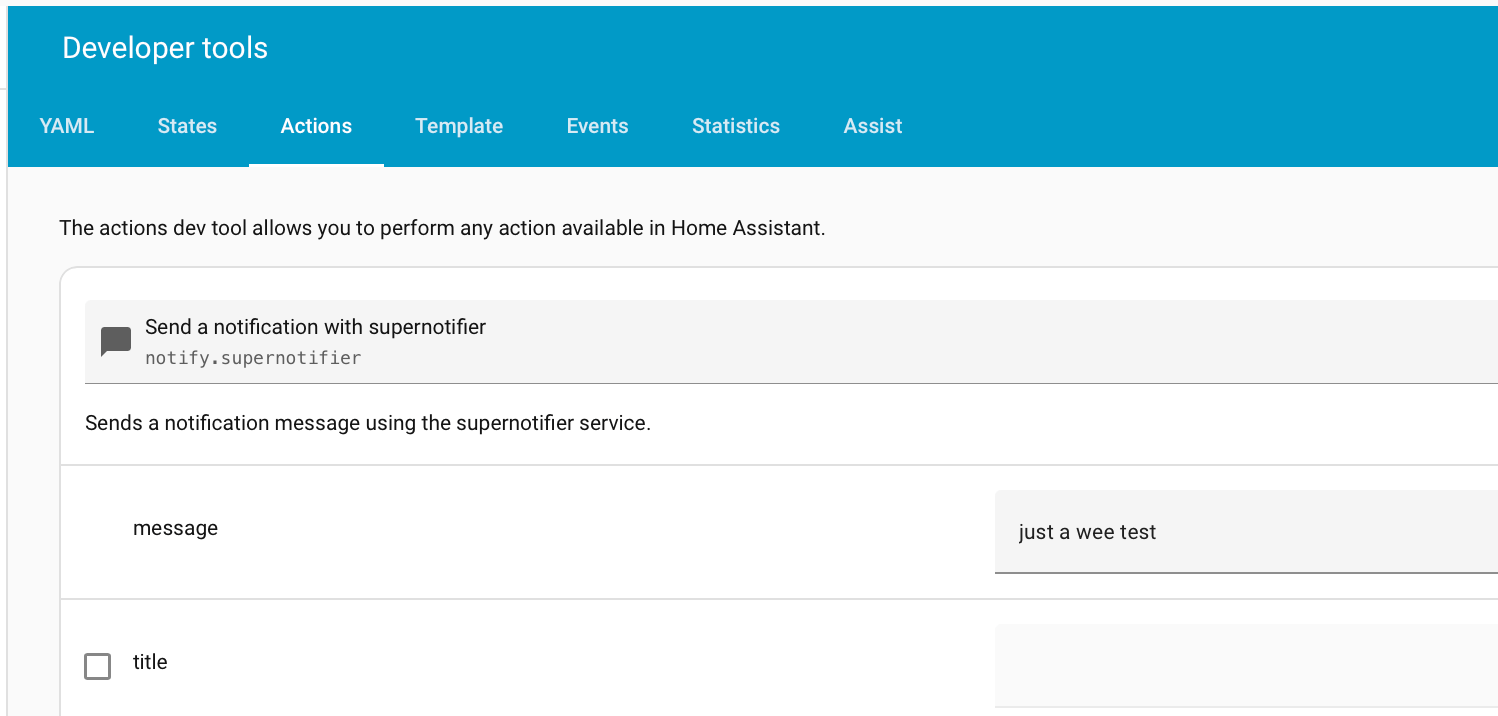
This first notification will go out all mobile devices in the house. To limit it, list the mobile devices, or the person entities as targets in the notification:

Be Inspired
Find lots of ideas with example configuration in the Recipes.