Send Your First Notification
Everything on this page is done from the Home Assistant UI, straight after installing. Each step shows the YAML as well, for anyone who prefers it.
1. Notify Everyone
Open the Actions tab in Developer Tools, choose the supernotify.notify action, type a message, and press Perform action.
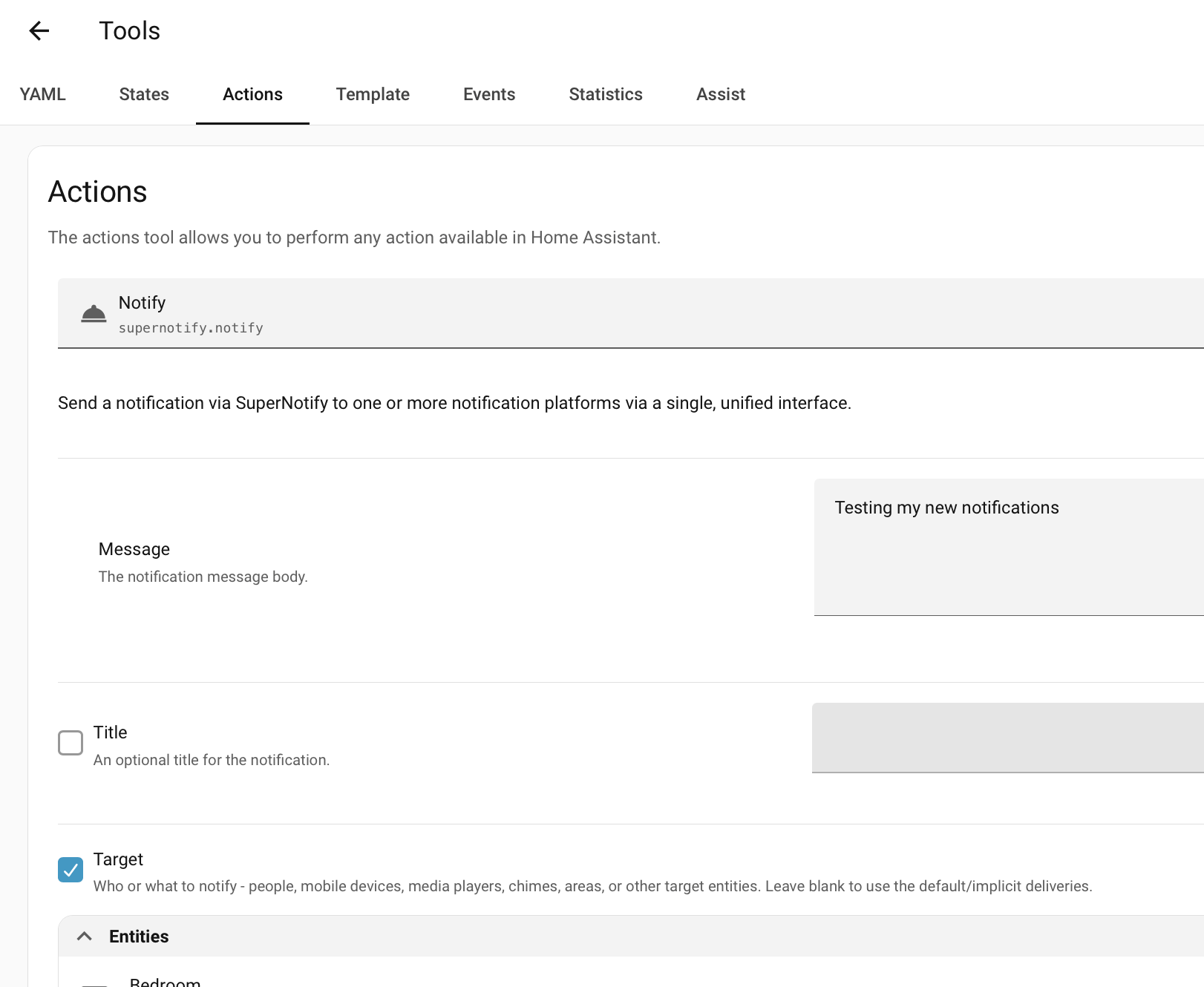
A message is all a notification needs. With nothing else said, this goes to every phone and tablet running the Home Assistant app, for everyone in the house.
2. Notify One Person
That's probably more people than you want. To limit it, pick person entities, or individual mobile devices, as the targets:
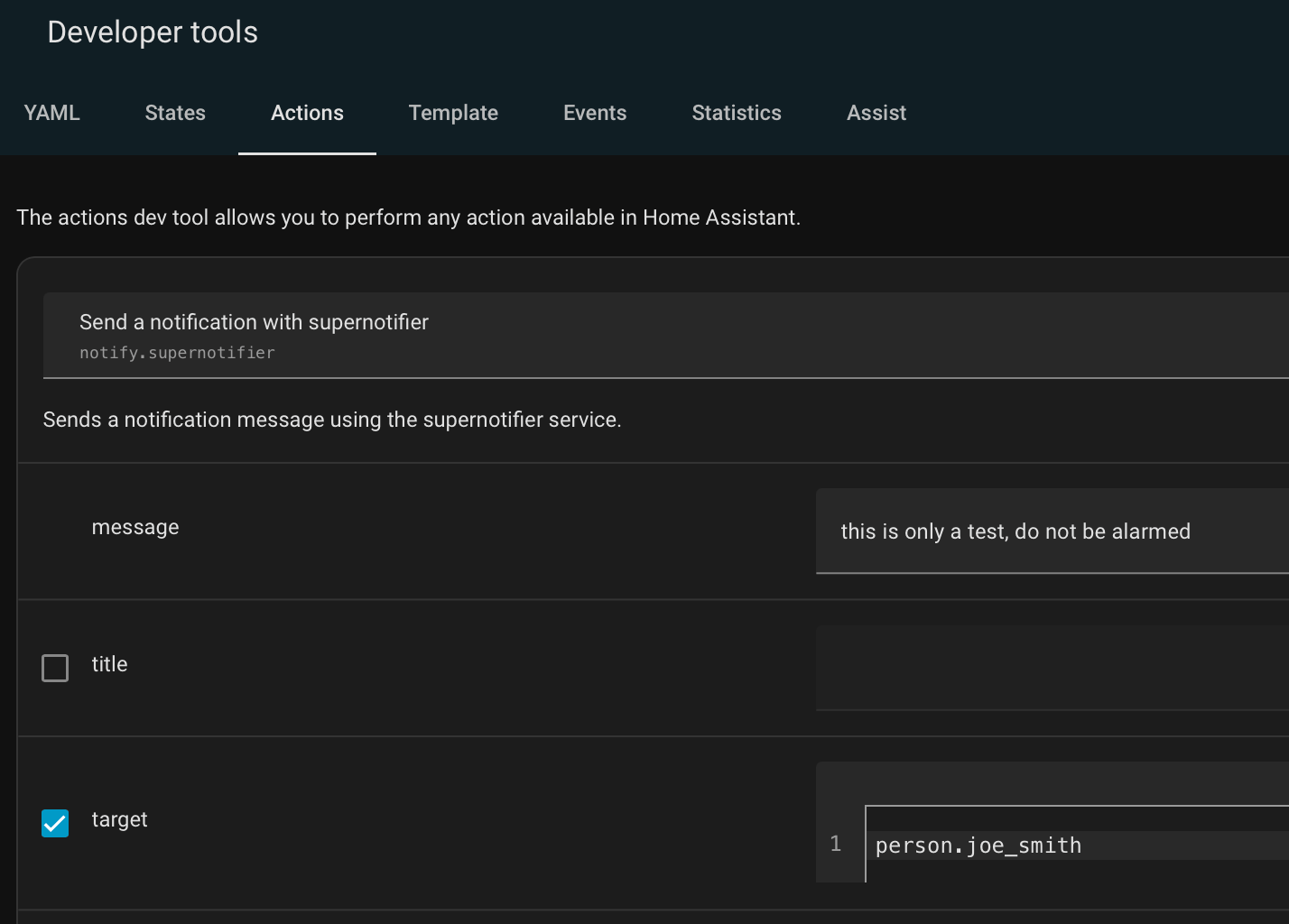
action: supernotify.notify
data:
  message: Something went off in the basement
target: person.john_mcdoe
Now only John's devices get it. Choosing a person rather than a phone means the notification still arrives when John gets a new phone.
3. Choose How It's Sent
The Delivery box lists the ways Supernotify found to send notifications. Leave it out, and Supernotify chooses for you; pick from it, and only those are used.

If you have Alexa Devices, use alexa_devices_announce_all or alexa_devices_speak_all. (Announce has an extra introductory chime vs plain speak). You can combine these with email and mobile app notifications in a single notification.
action: supernotify.notify
data:
  message: Someone is at the front door
  delivery:
    - alexa_devices_announce_all
    - mobile_push
Each one gets a notification that suits it, so the speakers say the message while the phones show it.
Once that works, the next thing is to add a notification to an automation.