Installation
Install from HACS
First, make sure you have HACS installed.
If not, check the HACS Instructions. Supernotify is one of the default repositories in HACS so no custom repo configuration required.
From the HACS page on Home Assistant, select Supernotify in the list of available integrations, download it, and restart Home Assistant.
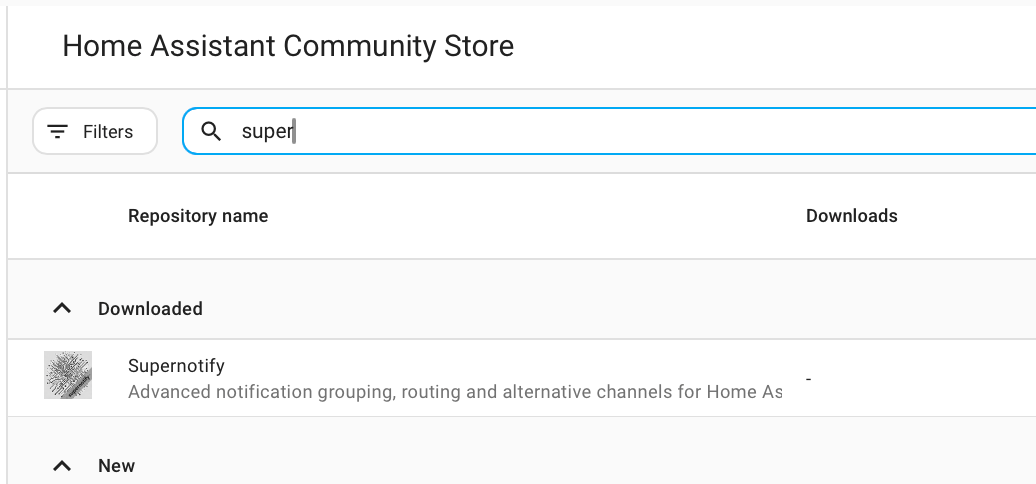
Add the Integration
Go to Settings → Devices & Services → Add Integration and search for Supernotify. Accept the defaults.
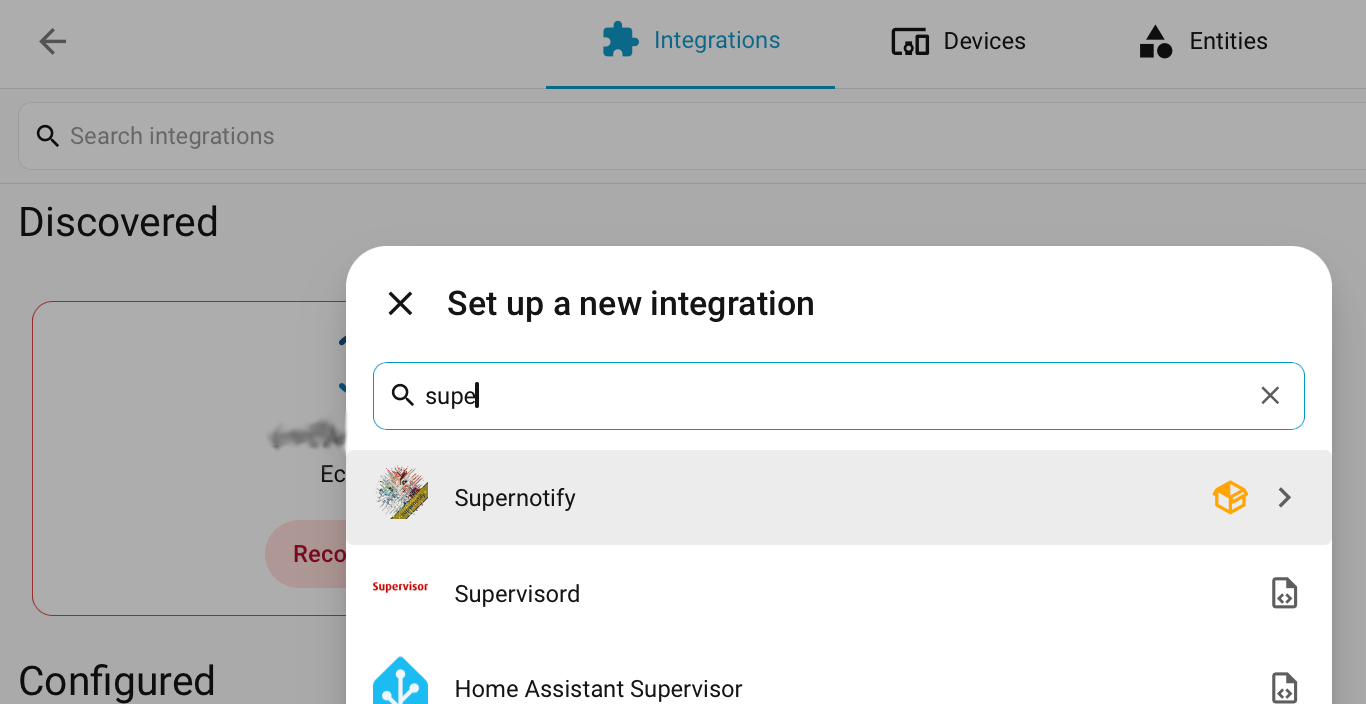
Discovery and Defaults
Above is everything you need to do to get some notifications working.
Supernotify looks at what is already in Home Assistant and finds:
- People - everyone with a Person or a User in Home Assistant, and the phones or tablets they run the Home Assistant app on
- Ways to notify - mobile push, an existing SMTP e-mail integration, any notify entities, and devices like Alexa speakers or chimes if you have them
It builds a delivery for each way to notify it finds, plus some convenience ones, like chime_siren_all and alexa_devices_announce_all, if you have those devices.
Archive, duplicate detection and housekeeping settings can be adjusted afterwards from the integration's Configure option.