Recipe - Bedtime
Tip
Auto Arm will automatically set the Alarm Control Panel to armed_night for bedtime, which can then be used by Supernotify and automations. It will also drive panel arming by calendar, sun state and physical buttons.
Purpose
Regardless of where the sun is in the sky, my bed times stay much the same, so use this in working out how to make notifications, and don't disturb me!
Implementation
Uses a Scenario condition based on time of day. This can then be referred to in the require_scenarios section of the notify action data, or in template logic.
Example Configuration
scenarios:
  bedtime:
        conditions:
          - condition: time
            alias: Usual bedtime
            after: "21:30:00"
            before: "06:30:00"
Variations
- Use date ranges to alter times across the year
- Define the opposite of bedtime, and use that to allow only notifications then
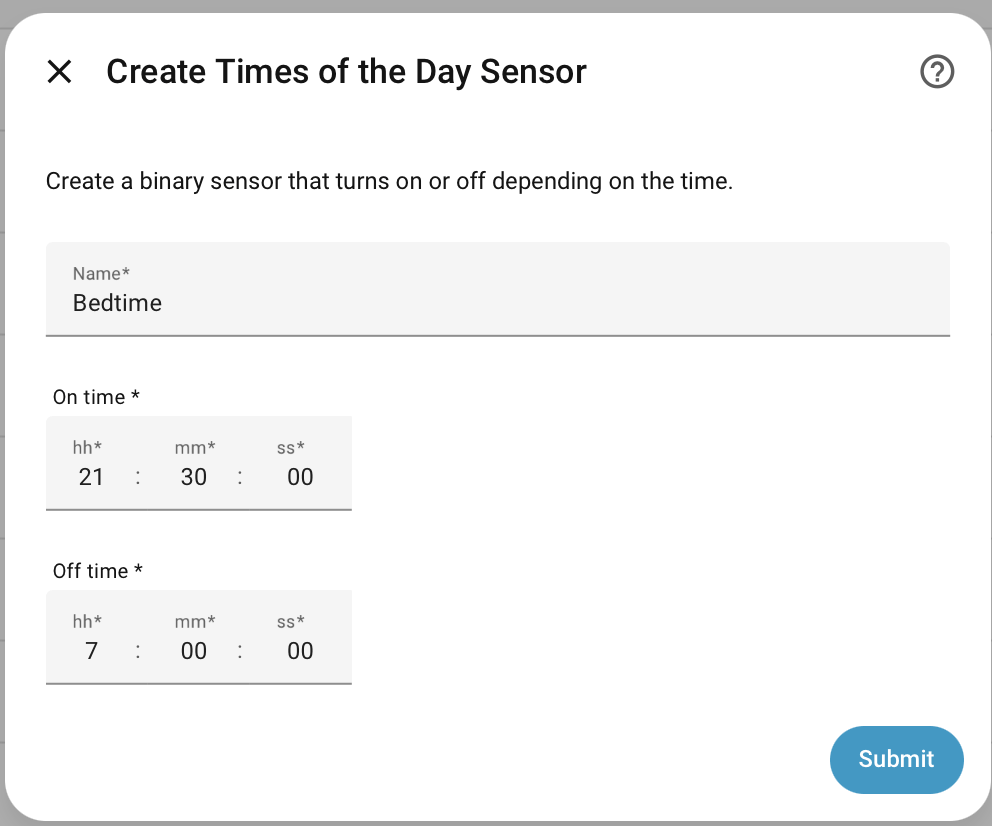
- Create a Times of the Day or Workday binary sensor from Settings > Devices & services > Helpers page.