Recipe - Simple Mobile Push Notifications
Purpose
Send mobile push notifications without any configuration.
Implementation
All you need is:
- Install Supernotify from HACS (Quick Start) - By default, the configuration will have Mobile Device Discovery and Person Discovery switched on
- If they don't already have it, set up the Home Assistant Companion App for each person/device to be notified - This needs a username and password for each user, see Adding a Person to Home Assistant - If the companion app is already installed and connecting to Home Assistant, there's nothing more to do to enable it for Supernotify
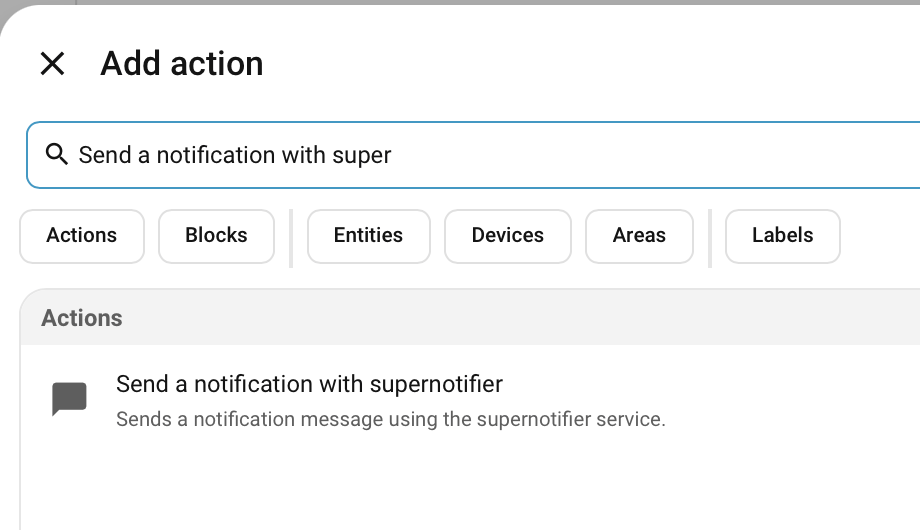
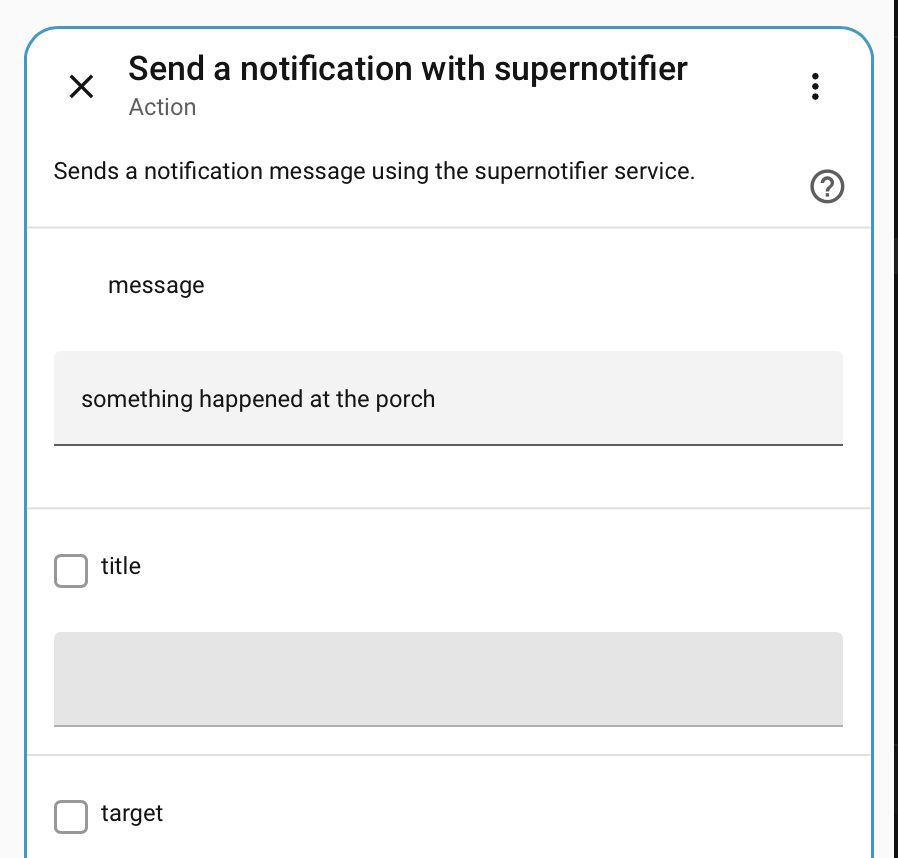
- Add a notification as an Action to any Automation
Variations
See Mobile Push for lots more options to add to the notification, such as camera snapshots, sounds, vibrations, links, grouping, priority, badges and more.